PokeBonk Map: Minimap, Visibility & Navigation
Current source scope: Beta v0.7.3 · Checked October 19, 2026
THE QUICK ANSWER
Press M to open the big map, hold Tab for a non-pausing check during a run, or tap the minimap on touch. Patch #7 shows the guardian altar, shrine and portal even before discovery. You can place up to three destination markers; this page is a navigation guide, not an interactive coordinate map.
In these notes
Open and orient the mapWhat is visible before you explore?Place a destination and follow itRegion names and mode differencesSources and version scope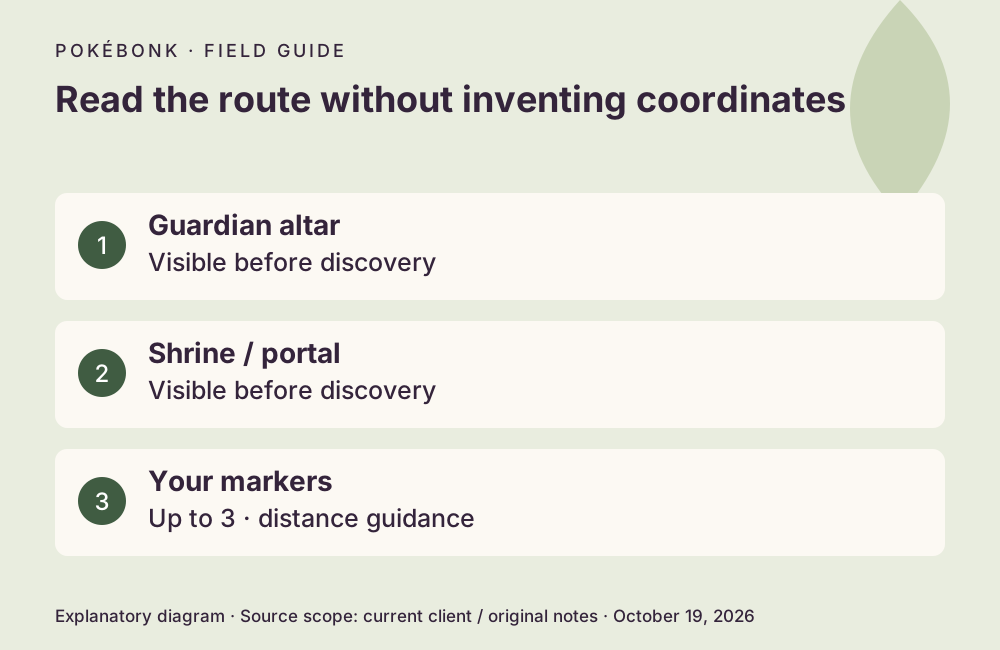
Open and orient the map
Use M for the big map or hold Tab while actively running to check it without pausing. On touch, tap the minimap. If you have changed bindings, check your current Controls screen. In a choice dialog, Tab can instead mean View my team.
Settings → Interface includes a north-up option. Without that choice, map orientation can differ from a fixed north-up screenshot. Patch #7 also fixes map rotation when evolving. Before deciding which way to move, identify the player position and the destination rather than assuming the top of every view is north.
What is visible before you explore?
The earlier fog-of-war summary hid progression markers until exploration. Patch #7 explicitly reveals the guardian altar, shrine and portal again. That correction concerns those named markers; it does not prove an all-seeing map of every object, item or encounter.
| Map information | Current scope |
|---|---|
| Guardian altar | Shown on the big map even before you visit it. |
| Shrine | Shown even before discovery. |
| Portal | Shown even before discovery; portal placement received a fix. |
| Other terrain and interactables | Do not assume every detail or optional object is globally revealed. Follow the current map’s exploration state. |
Place a destination and follow it
For Classic, the guardian encounter and subsequent exit determine progress. Read guardian outcomes if an altar or portal is visible but not yet useful. Visibility alone does not mean the encounter is complete or the transition is safe.
- Open the big map and identify a destination using its marker and current progression state.
- Click or tap to place a marker; the current limit is three.
- Return to the run and use the marker’s distance guidance while watching the world for threats.
- The marker clears when you arrive. Recheck the next objective instead of treating a vanished marker as a missing save.
Region names and mode differences
The checked menu exposes Viridian Forest and Rocky Desert as current regions. Lavender Tower, Volcano Island, Celestial Glacier and Storm Coast appear as future entries, so this guide does not provide invented routes through them. A named future region is not a currently playable map.
Classic uses its zone progression. Survival’s migration portal is a different timed feature from Classic exit gates: the Patch #5 announcement describes one every eleven minutes with a ninety-second window. No fixed coordinates or seed-independent spawn route were verified for either mode.
Optional recording reference
 CD喜德 · 3:54 · Map and boss chapter
 Historical introduction with a map/boss chapter. Use the current visibility rules above when its older view differs.
External YouTube link. The cover and supplied chapter description identify the recording; they do not prove this guide played or verified its strategy.
Sources and version scope
This independent guide uses the original project’s menu text, current client definitions and dated announcements. Menus were inspected; no run, purchase, reward claim or account recovery was played through for this guide.
- Original English entry — v0.7.3, entry and menu observations checked October 19, 2026.
- Original news feed — Patch #7 and earlier mechanic changes; roadmap statements retain their announced scope.
- Current roster and upgrade definitions and client rules — exact definitions, not a claim about every server outcome.
Source-check dates are separate from publication dates. This page is part of a local preview. Read the source and artwork approach.