
PokeBonk on Mobile: Browser Access & Compatibility
Current source scope: Beta v0.7.3 · Checked October 19, 2026
THE QUICK ANSWER
PokéBonk is accessed on a phone through its original website. The current client has touch controls and mobile graphics options, but no published device/browser support matrix proves compatibility with every phone. The project distributes browser play rather than an official app-store game.
In these notes
Open the original page on your phoneTouch, orientation and readable promptsUse the mobile recovery optionsDo you need an APK or App Store download?Sources and version scope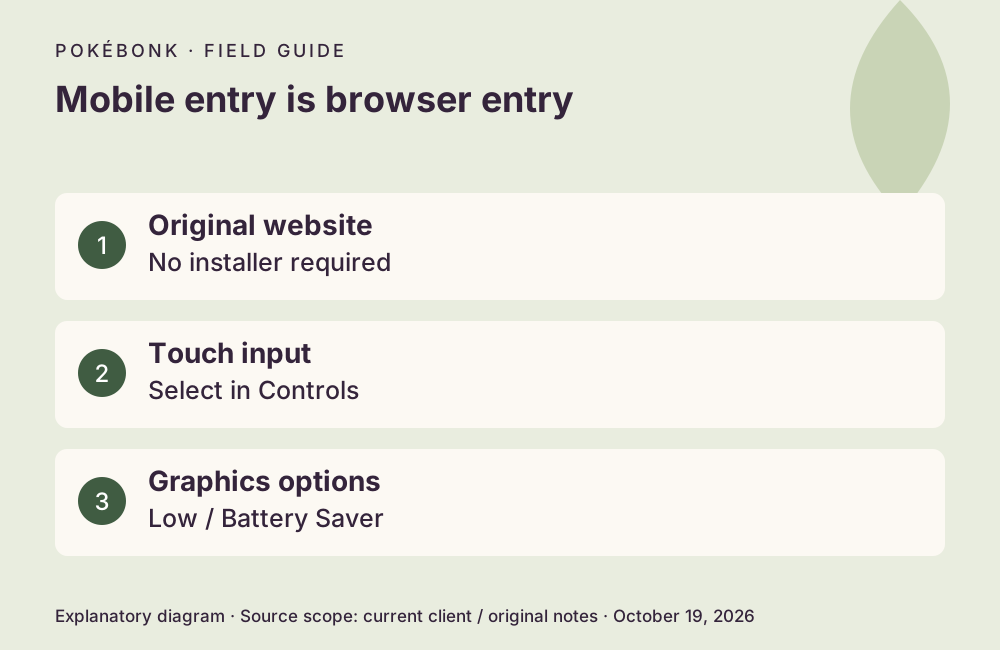
Open the original page on your phone
A browser with working 3D graphics and an internet connection is necessary. No exact minimum RAM, iOS version, Android version or universal browser recommendation was verified. This page’s live check used desktop menus, so it does not claim a successful phone run. Guest progress is associated with the device/browser context; moving to another browser is not an automatic transfer.
- Visit https://pokebonk.com/?lang=en in your normal mobile browser. Let the graphics and connection finish loading.
- Choose guest entry or sign in. Keep the same browser profile if you already have guest progress.
- Check Settings → Controls for touch mode, then read the current prompts before starting.
- Use Graphics options if loading, heat or frame rate becomes a problem. Keep any unsubmitted save or result intact.
Touch, orientation and readable prompts
The client supports touch movement and camera input. If a keyboard layout appears instead, choose the appropriate input mode in Settings → Controls. Tap the minimap to open the larger map; use the on-screen ability and interaction prompts shown by your build rather than a fixed coordinate from an old screenshot.
Use an orientation in which the game’s controls and dialogs fit comfortably. A universal orientation lock or guarantee of identical controls in portrait and landscape was not verified. Rotate before committing an important choice, then confirm that the button labels remain visible. The Android back gesture is documented as pausing in Patch #7.
Use the mobile recovery options
Battery Saver uses a lower render resolution and targets 30 FPS; Low graphics is another useful comparison. Patch #7 describes reduced portal crashes and memory release on mobile. It also offers Retry/Reload graphics and the option to keep playing without graphics while the HUD and minimap remain available. Follow the settings sequence one change at a time.
A loading or connection message is different from a busy scene running slowly. If the page cannot reach the service, use connection checks. Do not clear browser storage as a first remedy for either symptom.
Do you need an APK or App Store download?
No. The original project describes distribution through its website and does not offer an official installer or app-store release. An unrelated APK using the name is not needed for browser entry. Open the original URL directly rather than treating a download page as part of the setup.
Current public entry did not require an invite code on October 19. If a phone tutorial asks for one, compare its date with the older beta context. A clan invitation has a different purpose.
Optional recording reference
 CD喜德 · 1:23 · Entry chapter
 Historical Chinese introduction with phone/browser imagery. Its entry chapter identifies the original site; it does not establish a supported-phone list.
External YouTube link. The cover and supplied chapter description identify the recording; they do not prove this guide played or verified its strategy.
Sources and version scope
This independent guide uses the original project’s menu text, current client definitions and dated announcements. Menus were inspected; no run, purchase, reward claim or account recovery was played through for this guide.
- Original English entry — v0.7.3, entry and menu observations checked October 19, 2026.
- Original news feed — Patch #7 and earlier mechanic changes; roadmap statements retain their announced scope.
- Current roster and upgrade definitions and client rules — exact definitions, not a claim about every server outcome.
Source-check dates are separate from publication dates. This page is part of a local preview. Read the source and artwork approach.